
Technology has become an important part of everyday life, and smartphones are no exception. For many older adults, a smartphone is more than just a way to make calls. It helps them stay connected with family, manage appointments, access emergency services, and enjoy entertainment from anywhere.
However, not every smartphone is designed with seniors in mind. Small text, complicated menus, and confusing settings can quickly become frustrating. The good news is that several smartphones now offer larger screens, simplified interfaces, and accessibility features that make daily use much easier.
In this guide, we’ll explore the best smartphones for seniors and explain what features matter most when choosing the right device.
What Makes a Smartphone Senior-Friendly?
Before choosing a smartphone, it’s helpful to understand which features can improve the experience for older adults.
Here are some important things to look for:
- Large, bright display
- Adjustable text size
- Loud and clear speakers
- Long battery life
- Easy-to-navigate menus
- Voice assistant support
- Hearing aid compatibility
- Emergency calling features
A smartphone doesn’t need to be the most expensive model. In many cases, simplicity is more important than advanced features.
Best Overall Smartphone for Seniors: Apple iPhone 16
Many seniors appreciate the simplicity and reliability of the iPhone.
Why it stands out
- Easy-to-use operating system
- Excellent accessibility settings
- Large, bright display
- Emergency SOS feature
- Strong security and privacy protections
Apple offers accessibility tools such as Voice Control, Magnifier, Live Speech, and Hearing Device support. Family members can also help manage settings remotely through Family Sharing.
Best for
Older adults who want a reliable phone that is easy to learn and supported for many years.
Best Android Smartphone for Seniors: Samsung Galaxy A56
Samsung continues to be one of the most popular smartphone brands among older adults.
Benefits
- Large display
- Easy Mode for simplified navigation
- Good battery life
- Affordable price
- Loud speakers
Samsung’s Easy Mode enlarges icons and text while reducing clutter on the home screen, making the phone easier to use for beginners.
Best for
Seniors who prefer Android and want a balance between simplicity and value.
Best Budget Smartphone for Seniors: Motorola Moto G Power
Not everyone wants to spend hundreds of dollars on a smartphone.
The Moto G Power offers:
- Affordable pricing
- Large display
- Exceptional battery life
- Simple Android experience
- Reliable everyday performance
Many seniors appreciate not having to charge their phone every day, making battery life a major advantage.
Best for
Budget-conscious seniors who need a dependable smartphone.
Best Large-Screen Smartphone for Seniors: Samsung Galaxy S25 Plus
For older adults with vision challenges, screen size matters.
The Galaxy S25 Plus offers:
- Large high-resolution display
- Bright screen for outdoor viewing
- Adjustable text and display settings
- Excellent accessibility features
A larger screen can make reading messages, viewing photos, and browsing websites much more comfortable.
Best for
Seniors who want a bigger display and easier reading experience.
Best Smartphone for Hearing-Impaired Seniors: iPhone 16 Plus

Apple provides some of the most advanced hearing accessibility features available today.
Helpful features include:
- Hearing aid compatibility
- Live Captions
- Sound Recognition
- Visual alerts
- FaceTime video calling
These features help users stay connected even if hearing loss is a concern.
Best for
Seniors with mild to moderate hearing difficulties.
Accessibility Features Every Senior Should Use
Many people purchase a smartphone without realizing how many accessibility tools are already built in.

Consider enabling:
Larger Text
Increasing text size can make reading significantly easier.
Voice Assistant
Siri and Google Assistant can:
- Make calls
- Send messages
- Set reminders
- Check weather forecasts
All without touching the screen.
Emergency SOS
Most modern smartphones allow users to quickly contact emergency services and notify family members during emergencies.
Magnifier Mode
A smartphone camera can function as a digital magnifying glass for reading labels, menus, and medication instructions.
Tips for Choosing the Right Smartphone

Every senior has different needs.
Ask these questions:
- Is a larger screen important?
- Are hearing accessibility features needed?
- Is battery life a priority?
- Does the user prefer Apple or Android?
- Will family members provide technical support?
The best smartphone is the one that feels comfortable and easy to use every day.
Frequently Asked Questions
What is the easiest smartphone for seniors?
Many experts consider the iPhone 16 one of the easiest smartphones for seniors because of its intuitive design and accessibility features.
Are smartphones difficult for older adults to learn?
Not necessarily. Modern smartphones offer simplified interfaces, voice controls, and accessibility settings that can make learning much easier.
Should seniors choose Android or iPhone?
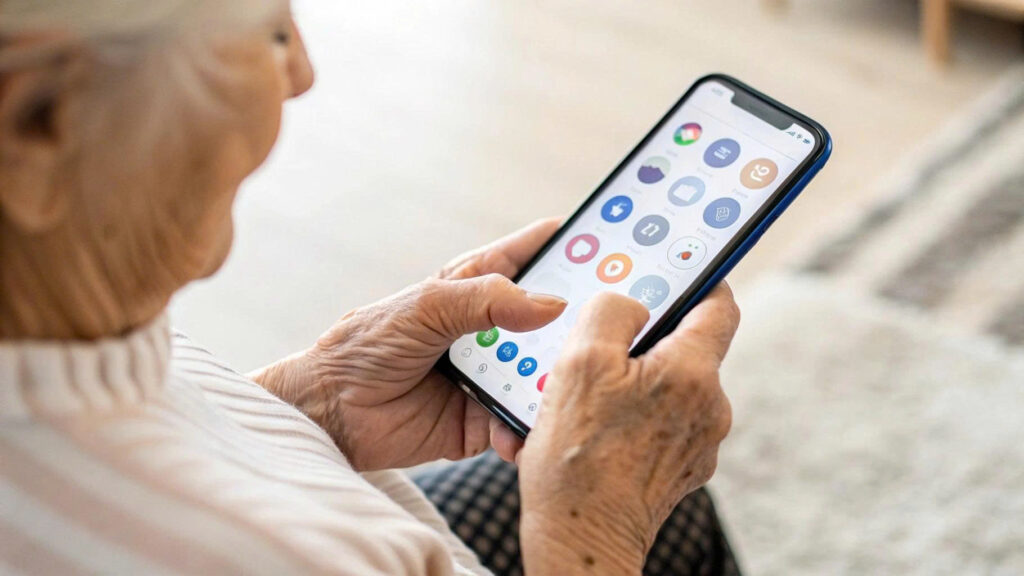
Both platforms work well. iPhones generally offer a simpler user experience, while Android devices provide more variety and lower-cost options.
What screen size is best for seniors?
Most older adults find screens between 6.1 and 6.8 inches easier to read and navigate.
- Best Medication Reminder Devices for Seniors in 2026
- Why Seniors Need Medical Alert Systems
- Best Phones for Seniors in 2026: Easy-to-Use Options for Safety and Peace of Mind
Final Thoughts
The best smartphones for seniors combine simplicity, accessibility, and reliability. Features such as large displays, clear audio, voice assistants, and emergency tools can make a significant difference in daily life.
For many older adults, the Apple iPhone 16 remains the best overall choice thanks to its ease of use and excellent accessibility options. However, Android devices such as the Samsung Galaxy A56 and Motorola Moto G Power also provide excellent alternatives at different price points.
When choosing a smartphone, focus on comfort and usability rather than the latest technology. A device that feels simple and familiar will always be the best choice.
