
Finding the right phone for an older adult is not always easy.
Many seniors struggle with tiny buttons, confusing menus, and phones that simply feel too complicated. At the same time, adult children want a reliable way to stay connected with their parents without causing frustration or stress.
The good news is that today’s senior-friendly phones are much better than they used to be.
Some phones focus on simplicity with large buttons and loud speakers. Others offer helpful safety features like emergency SOS buttons, hearing aid compatibility, and video calling for staying close to family.
In this guide, we’ll look at the best phones for seniors in 2026 and what makes them a good fit for older adults who want both independence and peace of mind.
Why Choosing the Right Phone Matters for Seniors
For many older adults, a phone is more than just a device.
It’s a connection to family, doctors, emergency help, and everyday life.
A good phone can help seniors:
- Stay connected with children and grandchildren
- Call for help quickly during emergencies
- Avoid confusion and frustration
- Feel more confident using technology
- Maintain independence while living alone
Many families discover that the right phone reduces stress for everyone involved.
Adult children feel reassured knowing they can easily reach their parents, while seniors enjoy the freedom of staying connected without struggling with complicated technology.
What to Look for in a Senior-Friendly Phone
Not every phone works well for older adults. Here are the most important features to consider before buying.
Large Buttons and Easy-to-Read Screens
Small text and tiny touchscreens can be difficult for seniors with vision problems or arthritis.
Phones with large buttons, simple layouts, and bright displays are often much easier to use.
Loud Speakers and Clear Audio
Hearing changes naturally with age.
Look for phones with amplified sound, strong speaker quality, and hearing aid compatibility.
Simple Menus
Some smartphones feel overwhelming because they include too many apps and settings.
Senior-friendly phones usually focus on the basics:
- Calling
- Text messaging
- Photos
- Emergency contacts
That simplicity can make a huge difference.
Emergency Features
Many modern phones now include:
- SOS emergency buttons
- GPS location sharing
- Medical alert features
- Fall detection support
These features can provide peace of mind for both seniors and their families.
Long Battery Life
Nobody wants to charge a phone multiple times a day.
Phones with strong battery life are especially helpful for older adults who may forget to recharge devices frequently.
Best Phones for Seniors in 2026
1. Jitterbug Smart4
The Jitterbug Smart4 is one of the most popular phones designed specifically for seniors.
It combines smartphone features with a much simpler interface than traditional Android or iPhone devices.
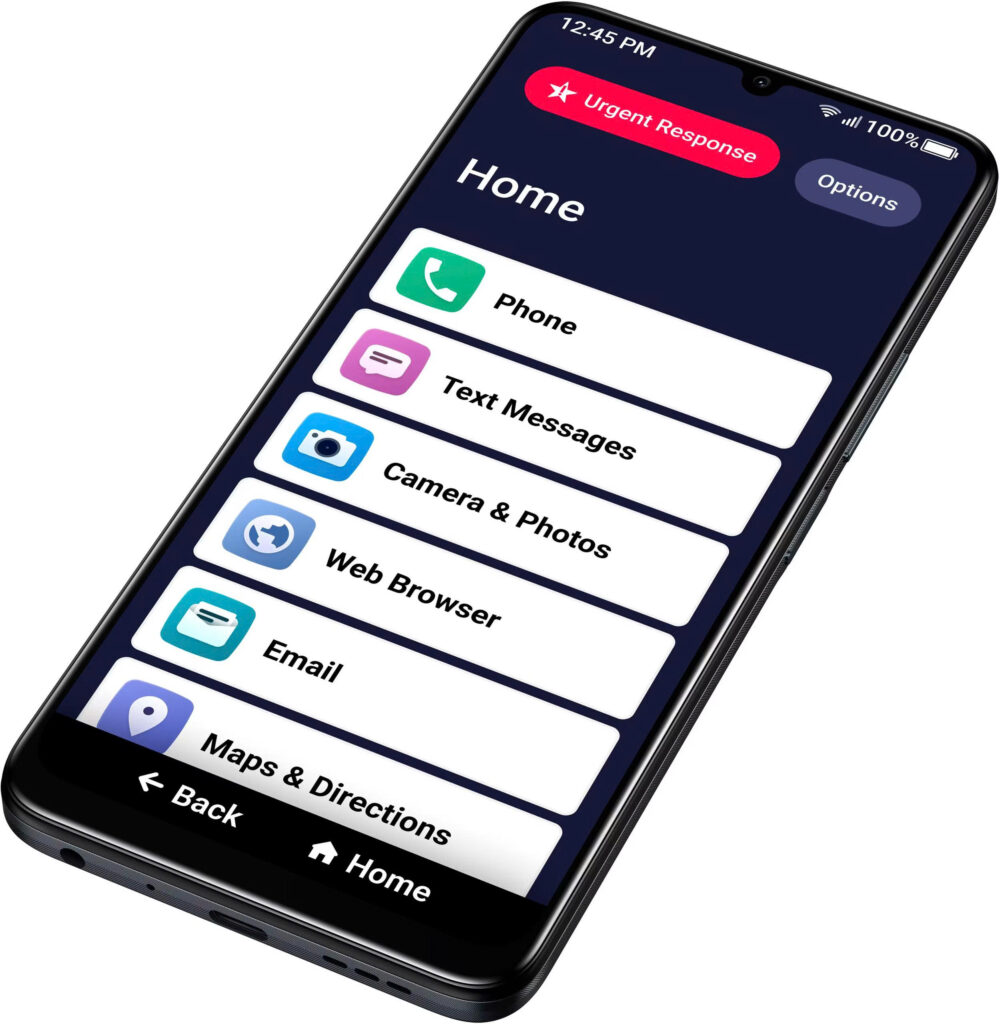
Jitterbug Smart4
Why seniors like it:
- Large screen with easy navigation
- Voice typing
- Simple menu layout
- Video calling support
- Built-in emergency response options
Why families like it:
The phone is designed to reduce confusion while still allowing seniors to enjoy modern features like photos, texting, and video chats with grandchildren.
This is a great option for older adults who want a smartphone experience without the learning curve.
2. Nokia 2780 Flip
Some seniors simply prefer a classic flip phone.
The Nokia 2780 Flip keeps things simple while still offering reliable calling and texting.
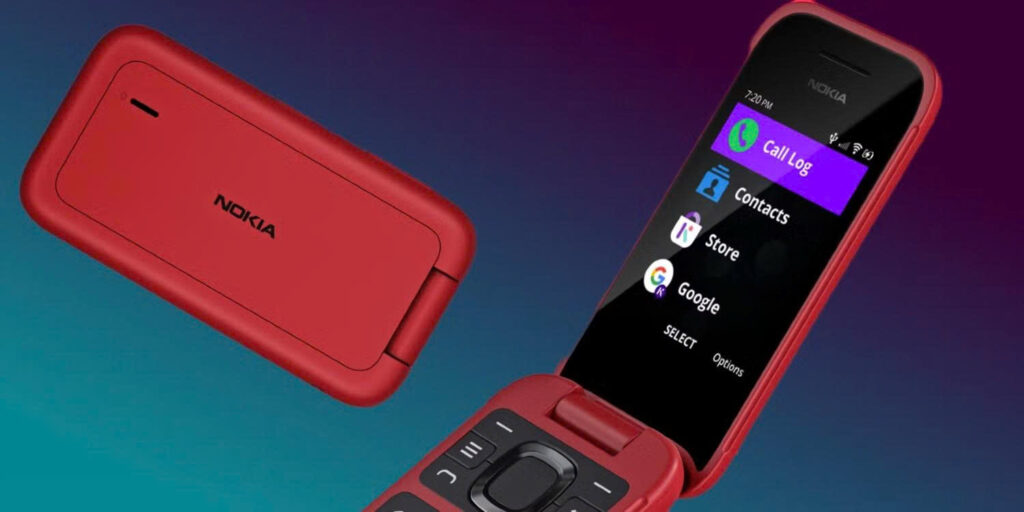
Nokia 2780 Flip
Key features:
- Big physical buttons
- Loud audio
- Easy answering and ending calls
- Compact and durable design
- Excellent battery life
This phone works especially well for seniors who dislike touchscreens or complicated apps.
It’s straightforward, familiar, and easy to carry.
3. iPhone SE
For seniors who are comfortable with technology or have family members using Apple devices, the iPhone SE is a strong choice.
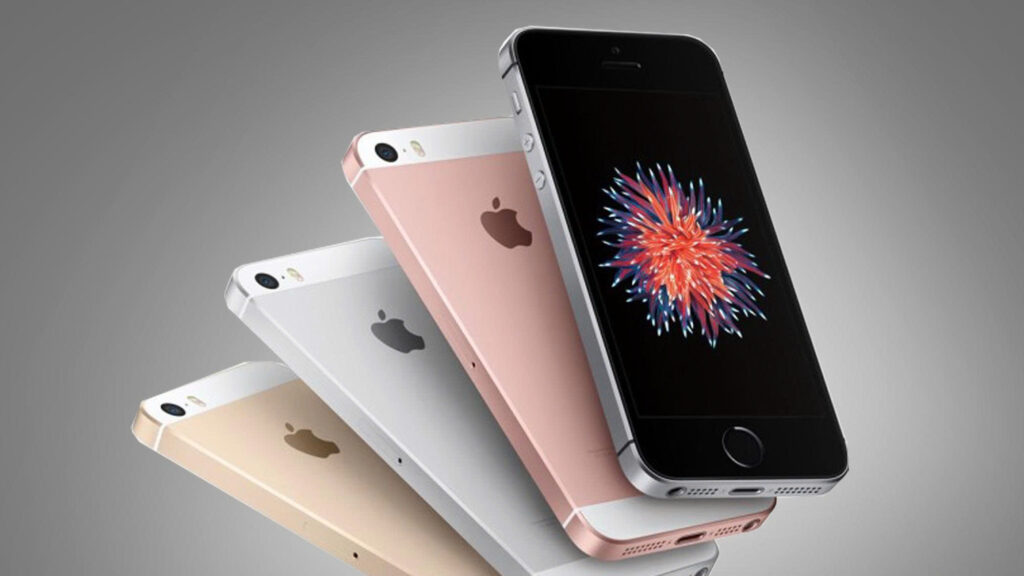
iPhone SE
It offers:
- High-quality cameras
- FaceTime video calls
- Emergency SOS features
- Voice assistant support through Siri
- Access to health and medication reminder apps
One major advantage is that family members can help remotely through Apple’s ecosystem.
Adult children often find it easier to troubleshoot and assist parents who use iPhones.
4. Samsung Galaxy A15
The Samsung Galaxy A15 is a budget-friendly Android smartphone with a large display and easy accessibility settings.
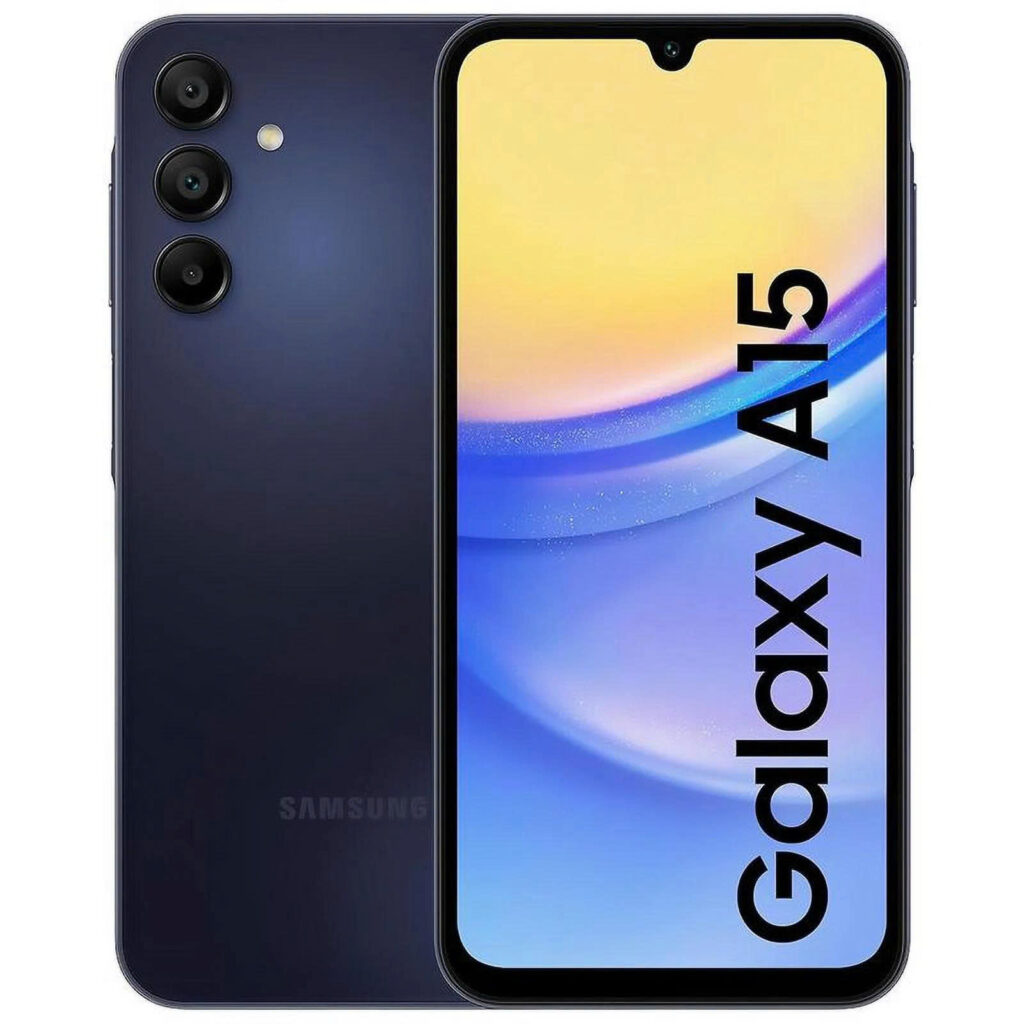
Samsung Galaxy A15
Helpful features include:
- Adjustable text sizes
- Bright screen
- Long battery life
- Voice assistant options
- Affordable price
For seniors who want modern smartphone features without spending too much money, this is a practical option.
5. Lively Flip
The Lively Flip is another excellent phone built specifically for seniors.
It focuses heavily on safety and simplicity.
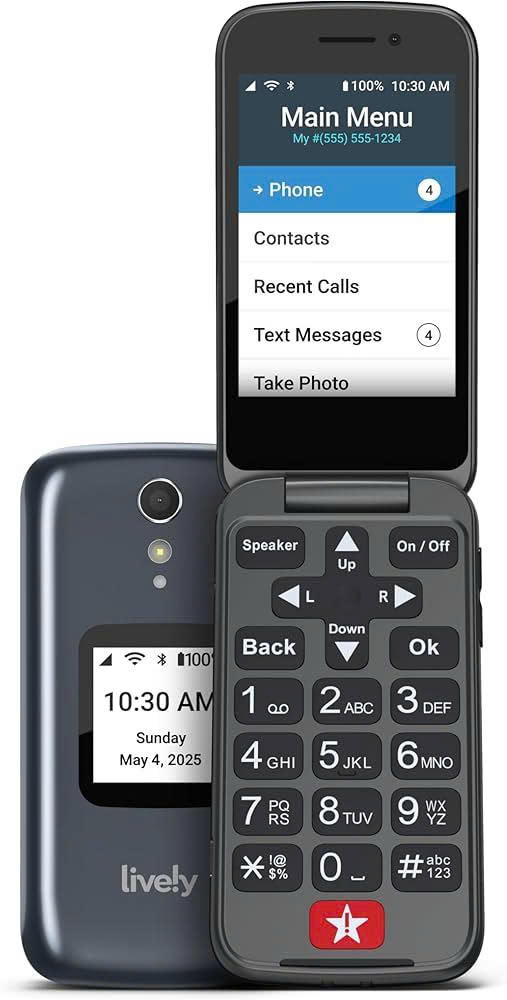
Lively Flip
Features include:
- Large buttons
- Urgent response button
- Amazon Alexa support
- Clear menus
- Strong speaker volume
Many families appreciate the built-in emergency assistance services available with Lively plans.
For seniors living alone, that extra support can be extremely valuable.
Smartphones vs Flip Phones for Seniors
Choosing between a smartphone and a flip phone depends on comfort level and daily needs.
Flip Phones Are Better For:
- Seniors who dislike technology
- Users who mainly make calls
- People who want maximum simplicity
- Older adults with limited experience using apps
Smartphones Are Better For:
- Video calling family
- Using maps and ride-sharing apps
- Taking photos
- Medication reminders
- Online shopping and banking
There is no perfect answer for everyone.
The best phone is the one the senior actually feels comfortable using every day.
Tips for Helping Seniors Learn a New Phone
Even the best phone can feel intimidating at first.
Here are a few ways families can make the transition easier.
Keep the Home Screen Simple
Remove unnecessary apps and place important contacts on the main screen.
Write Down Instructions
Simple printed instructions can help seniors feel more confident.
Practice Together
Spend time making practice calls and sending messages together.
Be Patient
Learning new technology takes time, especially for older adults who did not grow up with smartphones.
Encouragement matters more than perfection.
Best Medication Reminder Devices for Seniors in 2026
Best Smartphones for Seniors in 2026: Easy-to-Use Options for Older Adults
Final Thoughts
The best phones for seniors are not necessarily the newest or most expensive models.
What matters most is ease of use, reliability, and comfort.
For some seniors, a simple flip phone offers the perfect balance of independence and simplicity. Others may enjoy smartphones that help them stay connected through video calls, photos, and helpful apps.
At the end of the day, the right phone can do more than improve communication.
It can help seniors feel safer, more connected, and more confident in everyday life — while giving families greater peace of mind.
“As an Amazon Associate, I earn from qualifying purchases.”
