
Staying connected with family and friends is important at every stage of life. For many older adults, a smartphone is the easiest way to make calls, send messages, enjoy video chats, and even contact emergency services.
However, hearing loss can make using a phone more challenging. Low call volume, unclear speakers, and background noise may turn simple conversations into frustrating experiences.
Fortunately, today’s smartphones include advanced accessibility features designed to help people hear conversations more clearly. Many models also work seamlessly with modern hearing aids, making communication easier than ever.
In this guide, we’ll explore the best phones for hearing impaired seniors and explain the features that truly matter when choosing the right device.
What Should Seniors Look for in a Phone?
Not every smartphone performs equally well for people with hearing loss. While camera quality and processor speed often receive the most attention, they’re usually less important than audio clarity and accessibility.
Here are the features worth prioritizing:
- Hearing aid compatibility (MFi or ASHA support)
- Loud and clear speakers
- Adjustable call volume
- Noise cancellation
- Live captions
- Visual notifications
- Easy-to-read display
- Voice assistant support
- Emergency SOS features
A phone that is simple to use and easy to hear often provides a much better everyday experience than one packed with unnecessary features.
Best Overall: Apple iPhone 16
For many seniors, the iPhone 16 offers one of the best combinations of ease of use and hearing accessibility.
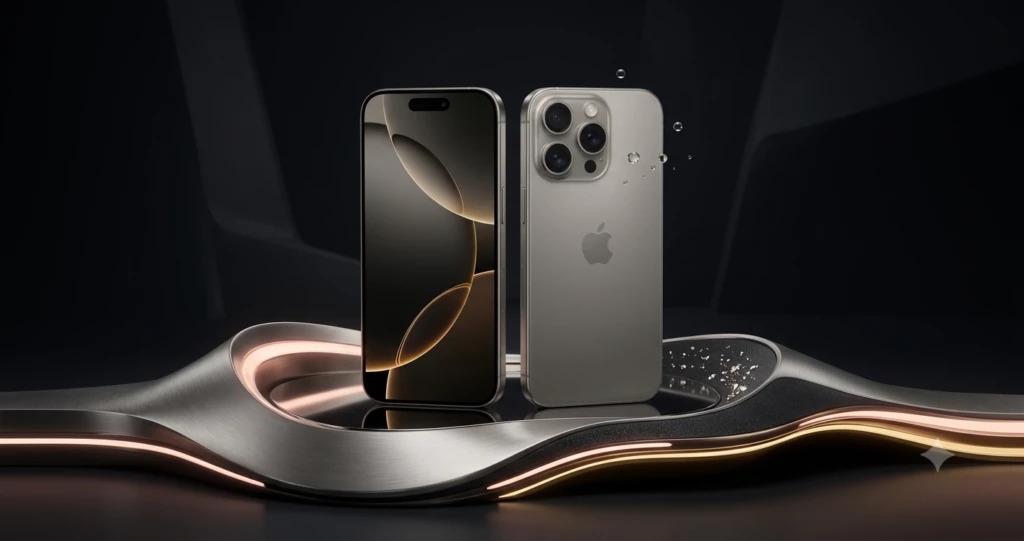
Apple iPhone 16
Why it’s a great choice
- Made for iPhone (MFi) hearing aid support
- Live Captions for phone calls and media
- Clear stereo speakers
- Excellent microphone quality
- FaceTime with high-quality audio
- Emergency SOS
Apple also allows users to customize audio settings for hearing preferences and pair compatible hearing aids directly through Bluetooth.
Best for
Older adults who already use Apple products or want a phone with excellent long-term software support.
Best Android Choice: Samsung Galaxy A56
Samsung continues to improve accessibility across its Galaxy lineup.
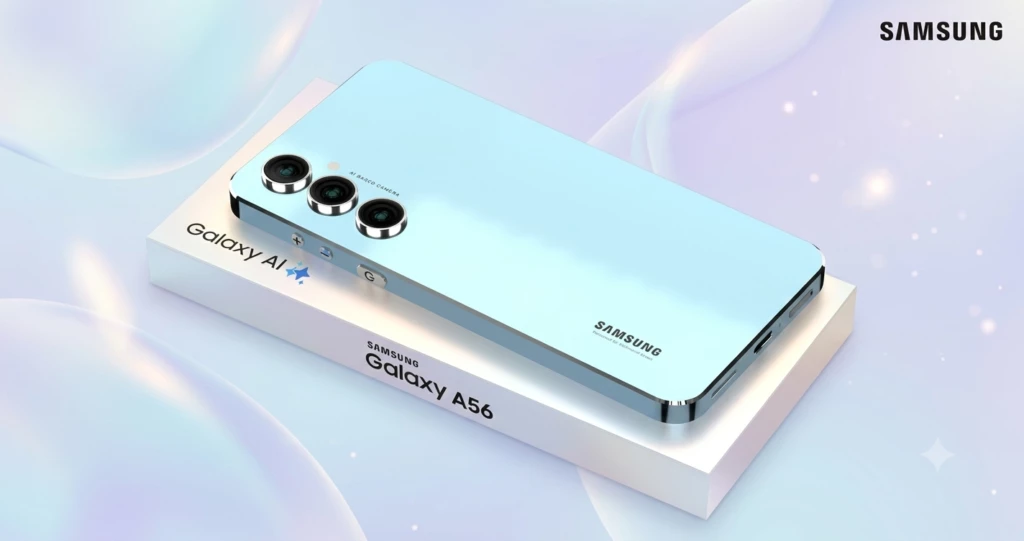
Samsung Galaxy A56
Benefits include:
- Hearing aid compatibility
- Loud speakers
- Easy Mode for larger icons
- Sound Amplifier feature
- Live Caption support
- Bright display
Samsung’s accessibility menu is straightforward, making it easier for beginners to adjust hearing-related settings.
Best for
Seniors who prefer Android and want excellent value.
Best Budget Option: Motorola Moto G Power
A reliable smartphone doesn’t have to be expensive.
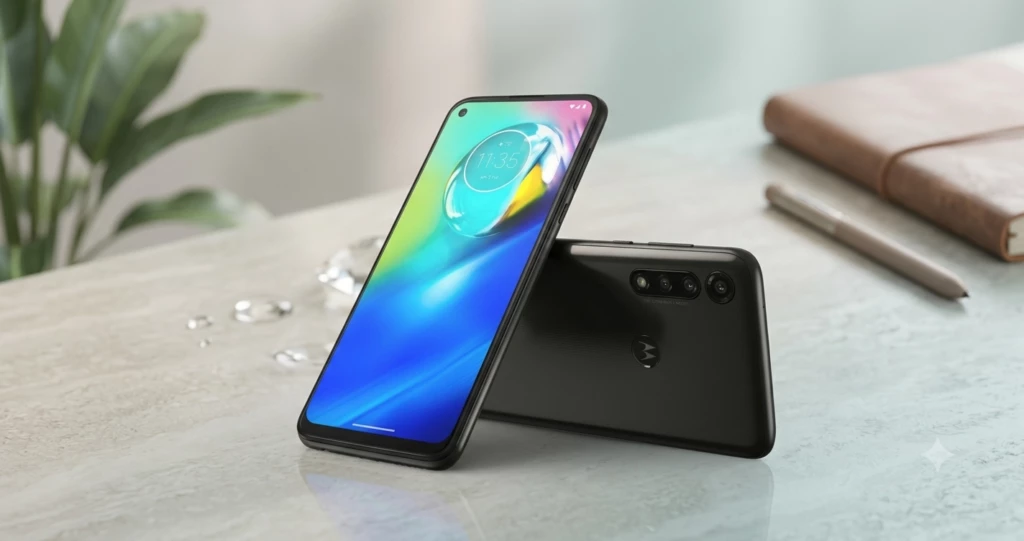
Motorola Moto G Power
The Moto G Power offers:
- Strong speaker volume
- Large display
- Long battery life
- Clean Android interface
- Affordable price
It’s an excellent option for seniors who primarily use their phone for calls, messaging, and video chats.
Best Premium Phone: Samsung Galaxy S25 Plus
For users who want the latest technology, the Galaxy S25 Plus delivers exceptional audio quality.
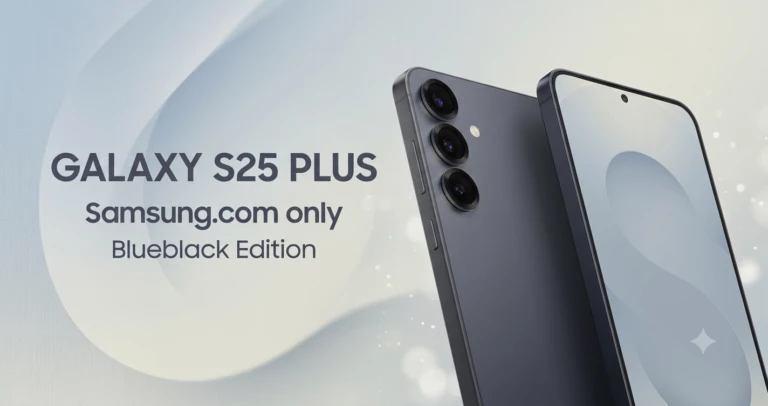
Samsung Galaxy S25 Plus
Highlights include:
- Powerful stereo speakers
- Excellent Bluetooth performance
- AI-powered noise reduction
- Live Caption support
- Bright, large display
The phone is especially useful for seniors who regularly use hearing aids with Bluetooth connectivity.
Helpful Accessibility Features
Modern smartphones include many built-in tools that can improve communication without requiring additional apps.
Hearing Aid Compatibility
Most recent Apple and Samsung phones connect directly with compatible hearing aids through Bluetooth.
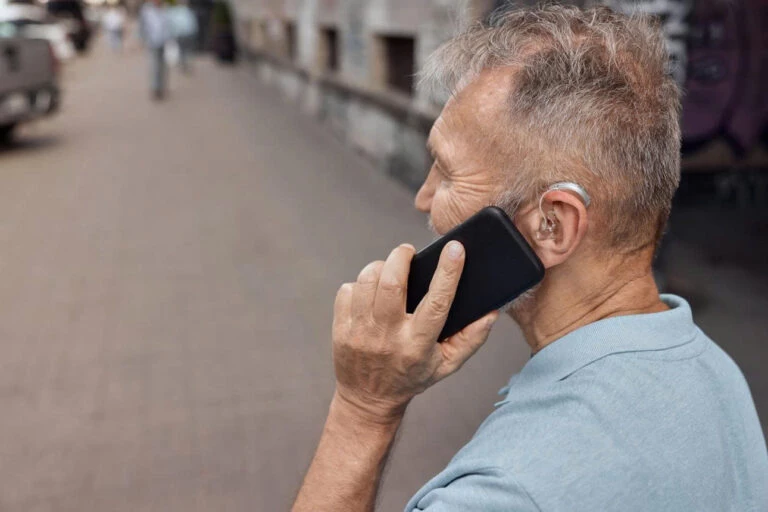
This allows:
- Clearer phone calls
- Better audio streaming
- Reduced background noise
Live Captions
Live Caption automatically displays spoken words as text during supported calls and videos.
This feature is especially helpful in noisy environments.
Sound Amplifier
Android devices include Sound Amplifier, which boosts speech while reducing background noise.
Many seniors find conversations easier to understand with this setting enabled.
Visual Alerts
Instead of relying only on sound, phones can flash the camera light or display large notifications for incoming calls and messages.

This ensures important calls aren’t missed.
Voice Assistants
Siri and Google Assistant allow users to:
- Make phone calls
- Send messages
- Set reminders
- Read text messages aloud
without needing to navigate complicated menus.
Tips for Choosing the Right Phone
Every senior has different hearing needs, so it’s worth asking a few questions before buying.
Consider:
- Does the phone work with your current hearing aids?
- Is the speaker loud enough?
- Are captions available?
- Is the display easy to read?
- Can family members help with setup if needed?
Choosing a phone with simple controls and strong accessibility features can make everyday communication much easier.
Frequently Asked Questions
Which phone works best with hearing aids?
Many hearing specialists recommend recent iPhone models because of their excellent Made for iPhone (MFi) hearing aid support. Samsung Galaxy phones also perform very well with compatible Bluetooth hearing aids.
Can smartphones make phone calls louder?
Yes. Most smartphones allow users to increase call volume, customize audio settings, and use hearing aid compatibility features.
Are captioned phone calls available?
Many newer smartphones include Live Caption or similar accessibility features that display spoken words as text during supported calls and videos.
Should seniors choose Apple or Android?
Both platforms offer strong accessibility tools. The best choice often depends on personal preference, budget, and compatibility with existing hearing aids.
Final Thoughts
Hearing loss shouldn’t make staying connected more difficult. Today’s smartphones include powerful accessibility features that help older adults communicate with confidence.
Whether you choose the Apple iPhone 16 for its seamless hearing aid integration, the Samsung Galaxy A56 for its value, or the Motorola Moto G Power for its affordability, the right phone can make daily conversations clearer and more enjoyable.
Take time to compare accessibility features before buying. A phone that is easy to hear, simple to use, and comfortable to navigate will provide the best experience for years to come.
“You may also like”
